Photo Mosaic Software for Creating Detailed Photo Mosaics
Photo Mosaic Maker is dedicated photo mosaic software — not a collage tool and not a one-click photo effect. It analyzes your main image, matches it against your own photo library tile by tile, and gives you control over cell shape, pattern, repetition and color until the result works as both a picture and a collection of photographs.
Runs in your browser
Online Photo Mosaic Maker
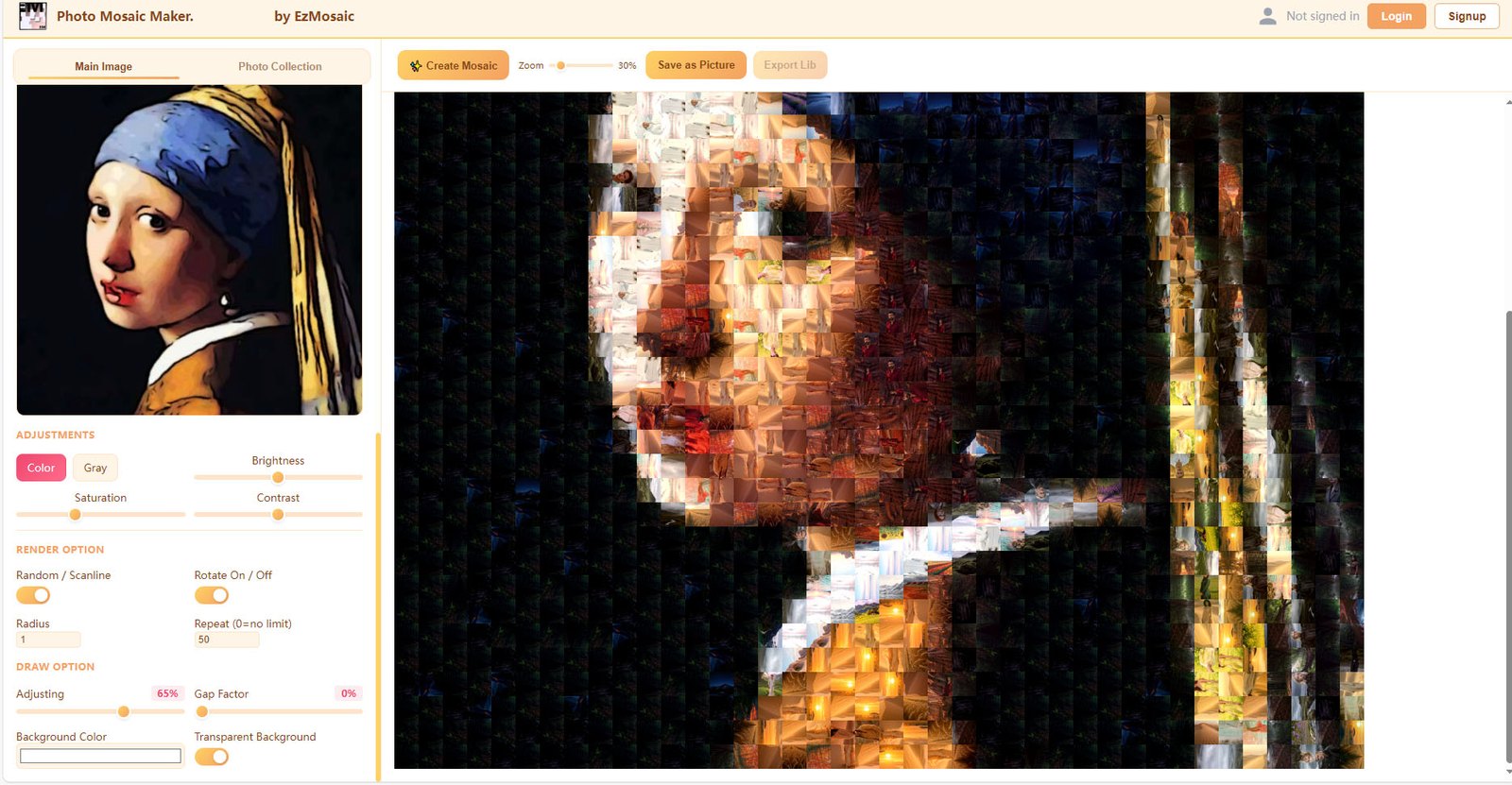
A browser-based workflow for creating mosaics without installing desktop software — a convenient way to start a project and explore designs. A built-in sample library is free to use; a free account unlocks your own photos, and a subscription removes the limits.
Your Photos Stay on Your Device
Photo matching and mosaic rendering run locally in your browser. Your original photographs are never uploaded to our servers as part of this local-processing workflow. Only color and feature data needed for processing are transmitted.
Standalone application
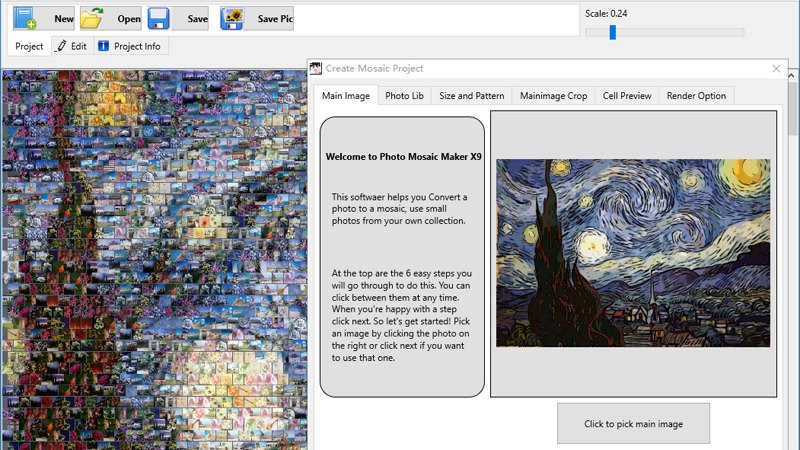
Desktop Photo Mosaic Software
Choose Standard for projects with up to 2,000 library images and 10,000 mosaic cells, or PRO for larger projects with up to 10,000 library images, 40,000 cells, five cell shapes and additional pattern options. One-time purchase, with a free trial available.
Explore Desktop SoftwareHow It Works
The working sequence in the desktop software, from source photos to finished mosaic:
01
Select a main image
Choose the photograph your mosaic will show from a distance.
02
Add tile images
Point the software at your personal photo library.
03
Configure mosaic settings
Cell shape, pattern style, cell-size range, gaps and repetition controls.
04
Generate and review
Render the mosaic and inspect it at full size and in close-up.
05
Adjust the result
Edit individual cells and refine matching until the balance is right.
06
Export the project
Render the final output for sharing or print preparation.
Key Capabilities
Image matching
Compares regions of the main image against candidate tiles for visual similarity — the core of a convincing mosaic.
Color matching
Adjusts and weights color similarity so overall tonality stays true to the main image.
Cell shapes & patterns
Five cell shapes with normal, cross and — in PRO — concentric-circle pattern styles.
Arrangement & optimization
Repetition controls and cell-size ranges keep tiles varied without breaking the composition.
Output & export
Renders the finished mosaic for digital use and print preparation.
Project workflow
Main-image cropping, preview, cell editing and gap-color control in one workspace.
Deeper explanations live in the technology section.
See the Result, Not the Claim
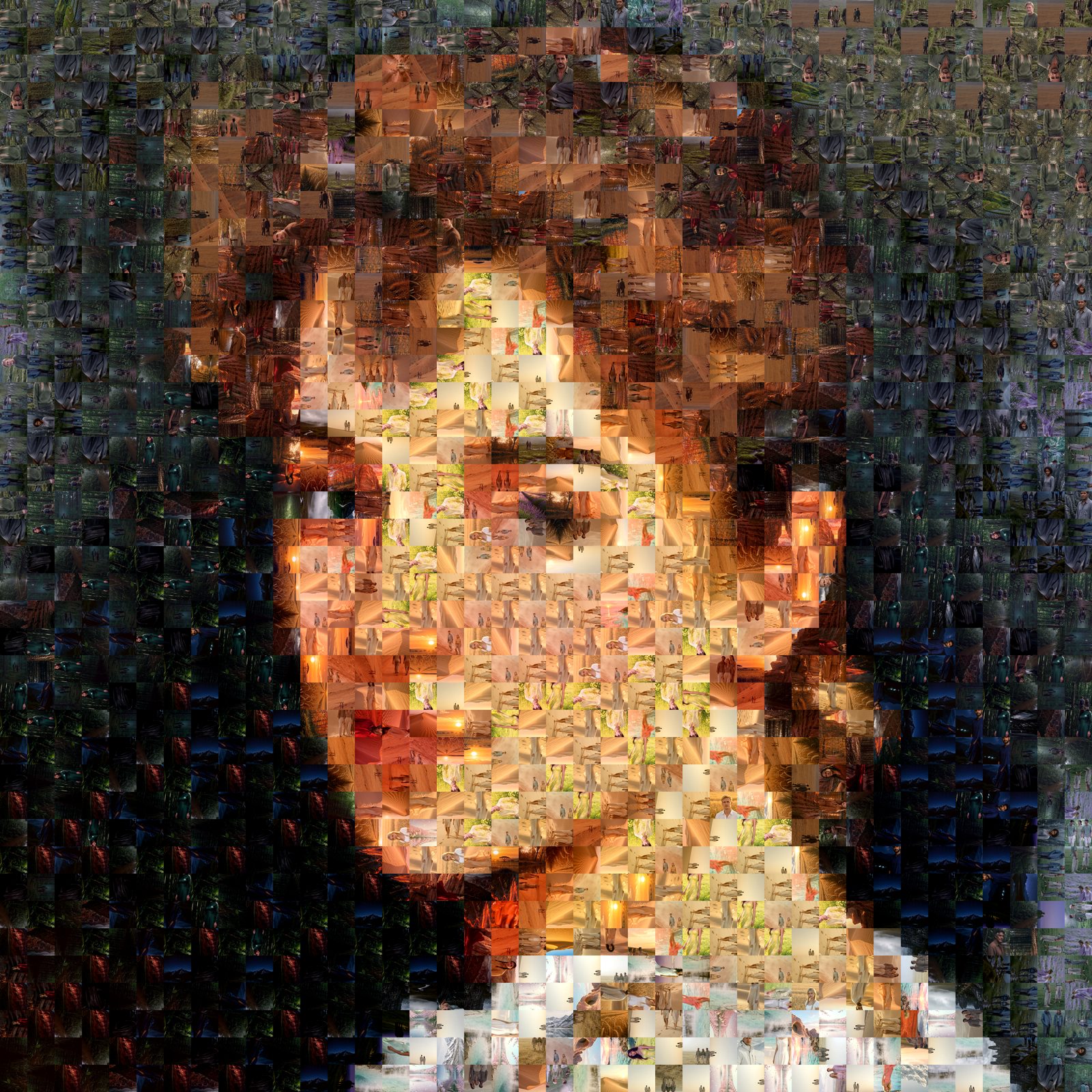
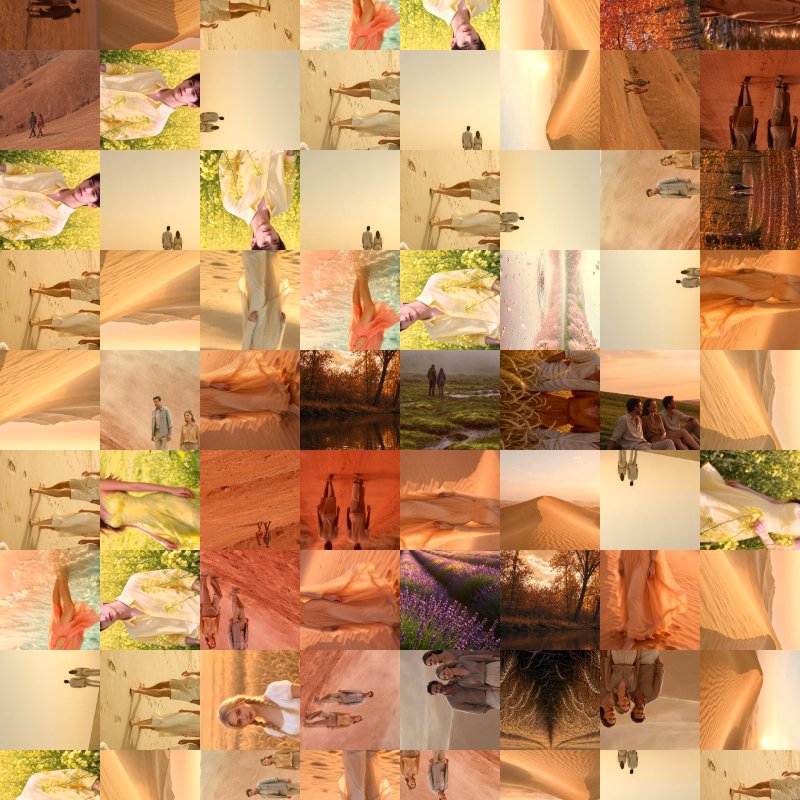
Judge a mosaic at two distances: the main image from across the room, and the individual photographs up close. Drag the handle to compare.
Who Uses the Software?
Online vs Desktop
A factual comparison of the two ways to create mosaics yourself.
| Feature | Online | Desktop |
|---|---|---|
| Installation | Runs in the browser — nothing to install | Standalone application |
| Supported systems | Modern browsers | Windows & macOS |
| Tile photos | Built-in sample library; your own photos with a free account (5 creations/day) or subscription | Your own photo library — up to 2,000 images (Standard) · 10,000 (PRO) |
| Maximum output size | 4,800 × 4,800 pixels guest · 8,000 × 8,000 pixels free account · 12,000 × 12,000 pixels subscriber | High-resolution local rendering for large-format use |
| Rendering | Rendered locally in your browser — original photos are never uploaded; only color and feature data needed for processing are transmitted | Rendered locally on your own machine |
| Cell shapes & patterns | Grid patterns with density options | Five cell shapes · normal & cross (Standard) · + concentric circles (PRO) |
| Best for | Convenient browser workflow, quick concepts, everyday projects | Large libraries, high cell counts, demanding projects |
| Pricing model | Free to start · $29.95/year subscription for unlimited custom photos and largest output | One-time purchase — $29.95 Standard · $99.95 PRO, free trial available |
Pricing
Online Photo Mosaic Maker
$29.95 / year
Free to start — subscriber unlocks unlimited custom-photo creations and 12,000 × 12,000 pixels output
Photo Mosaic Maker X9 Standard
$29.95 one-time
Up to 2,000 library images · 10,000 cells
Photo Mosaic Maker X9 PRO
$99.95 one-time
Up to 10,000 library images · 40,000 cells · concentric-circle patterns
Desktop editions are one-time purchases — no subscription — with a free trial available; buying directly from us includes both the Windows and Mac versions. Desktop edition details · Online version details
Planning a Large-Scale or Challenging Photo Mosaic?
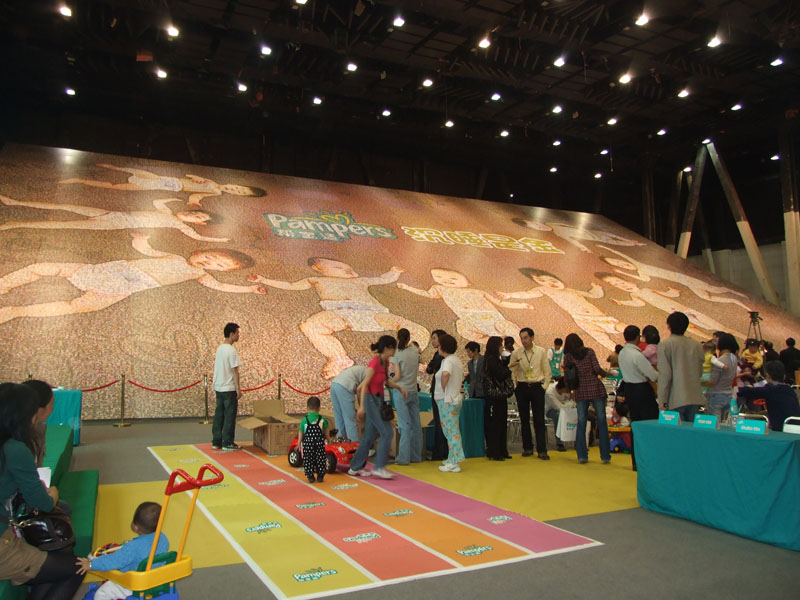
Some photo mosaic projects go beyond what standard software can easily handle. Large murals, public installations, corporate campaigns and projects involving tens of thousands of photographs may require specialized design, advanced photo matching and careful production planning.
With photo mosaic software development experience dating back to 1998, we can help turn ambitious ideas into workable projects. Whether you're planning a giant photo mosaic mural, a major brand campaign or a project with Guinness World Records ambitions, let's discuss what is possible.
Have an ambitious project in mind?
Discuss Your Project